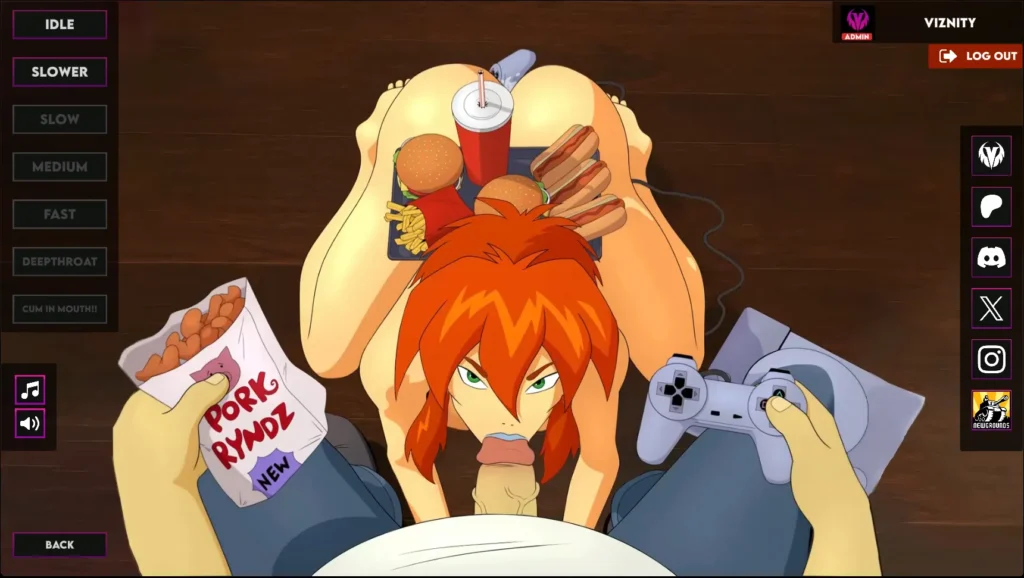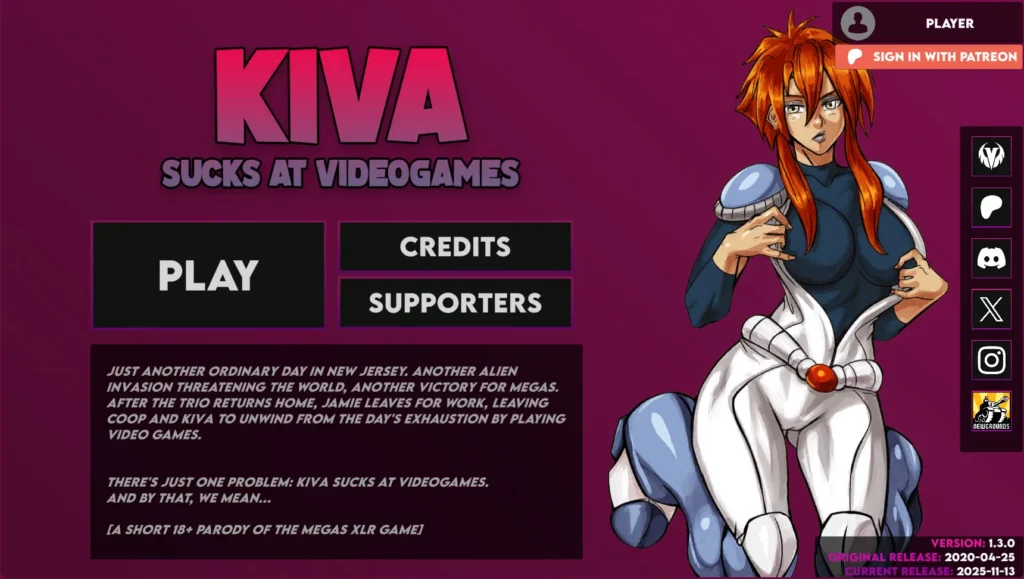
Viznity Games released a new game called Kiva Sucks At Videogames and the version is 1.3. The game’s story is about The +18 adult parallel universe of the Megas XLR series.
| Developer: | Viznity Games |
| File Size: | 77.3 MB |
| Version: | 1.3 |
| Censored: | No |
| OS: | Windows, Linux, Android |
| Languages: | English |
game details
Game Version Changelog:
v1.3
- Added Patreon login support for web, mobile, and desktop platforms with secure authentication.
- Added Patreon supporter recognition system for active patrons, former patrons and followers.
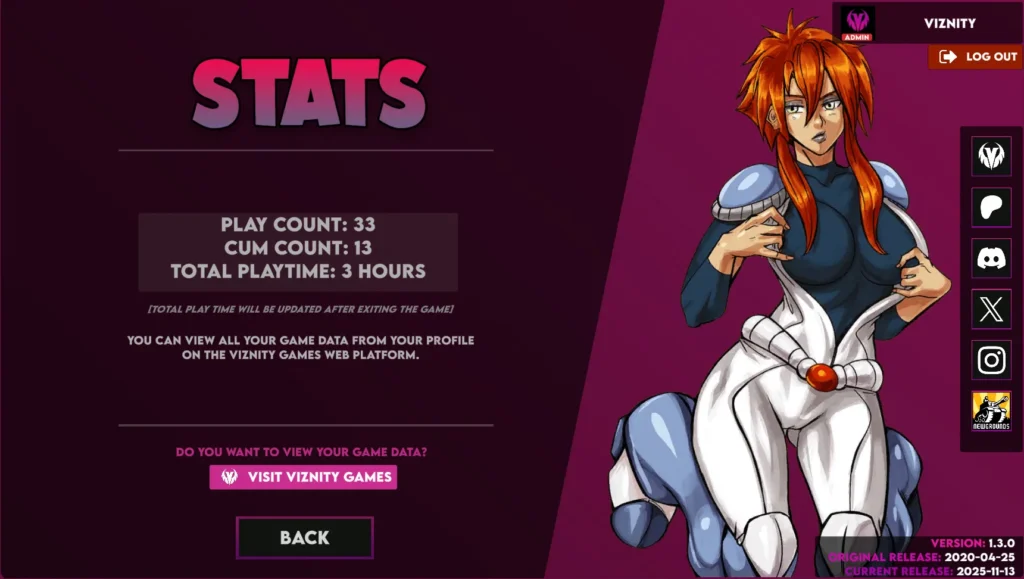
- Added statistics tracking system to monitor gameplay progress and achievements (Some of your in-game actions are now displayed in the statistics screen.).
- Added backend system to game (All your data is now synchronized with our web platform ViznityGames.com, you can view your game stats, play time, etc.).
- Added new Viznity intro video with sound.
- Added new credits menu with smooth animations.
- Added new supporters menu with smooth animations.
- Added seamless cross-platform support.
- Added universal modal system.
- Added universal sound manager system.
- Added advanced video manager system.
- Added new age verification scene.
- Added Megas XLR opening intro video scene.
- Added skip intro feature for faster game startup (requires double-click for confirmation).
- Added video playback improvements with URL support.
- Added widescreen support for various screen resolutions and aspect ratios.
- Added responsive UI scaling for different screen sizes and devices.
- Added adaptive performance optimizations for mobile devices to improve frame rates.
- Added Escape button functionality.
- Added new modal user interface.
- Added multiple new screen resolutions support.
- Added multiple new push notification texts for mobile platforms.
- Added a more detailed version showcase to main menu.
- Added 2 new soundtracks from the TV show.
- Added video end actions system for seamless scene transitions.
- Added satisfaction meter system.
- Added auto-scroller functionality for long content displays.
- Added game info text box to main menu.
- Added Stats button to main menu (only visible after user login).
- Added “Sign in with Patreon” button to main menu.
- Added smooth animations to main menu buttons.
- Added transition animations to main menu pages.
- Added deep linking to mobile builds.
- Added WSL support for Linux builds.
- Added JavaScript support for the WebGL builds.
- Added cache mechanism to some scripts to improve performance.
- Updated Unity engine to version 6 LTS for better performance, stability and security.
- Updated deprecated API functions with the new ones.
- Updated main menu with improved animations, UI layout, and social media integration.
- Updated all the button designs and animations.
- Updated music and sfx toggle button icons and improved functionality.
- Updated to a better sprite optimization system.
- Updated gameplay control buttons with lock/unlock feature.
- Updated game scene with better button sounds, UI responsiveness, and screen support.
- Updated main menu theme music for better loop.
- Updated social media icons.
- Updated game scene’s soundtrack to new one.
- Updated credits menu with colorful titles.
- Updated scene loading system for better performance and smoother transitions.
- Updated scripting backend to pre-compiled version (IL2CPP).
- Updated all the scripts and safe guards added.
- Updated Android build settings, optimizations, and crash protection.
- Updated game icon with a new background.
- Updated game banner image with new design.
- Updated WebGL design with responsive scaling, improved compatibility, and better visual-look.
- Updated game launch behaviour as Windowed default.
- Updated the terms of service and privacy policy (please visit ViznityGames.com).
- Fixed various bugs and errors.
- Fixed multiple errors to make it compatible with any platform.
- Fixed an issue where WebGL would sometimes hang at 90% when opening.
- Fixed an issue where some cases would crash when launching the mobile version.
- Fixed an issue of not playing video in Linux builds.
- Fixed the issue where URL links were not opening in Linux builds.
- Fixed the issue of the automatic scene changing when the video ends in Linux builds.
- Fixed the issue where avatar image would not load after user login in non-Chromium browsers (Safari, Firefox etc…) in WebGL builds.
- Fixed an issue where the intro video would not autoplay when starting in WebGL.
- Fixed CORS security header errors in WebGL.
- Removed unnecessary code and assets to improve performance and reduce build size.
- Removed unused plugins and dependencies for cleaner project structure.
- Removed ads system for mobile devices (now ad-free!).
- Removed toggle visibility button.
- Removed toggle vibrator sound button.
Game Images & Screenshots